
Server checkup
Leader is the only server checkup that reads your VPS's real output and explains what to fix first.
For the solo developer or indie founder who is the only technical person in the company, running a SaaS, a side project or client sites on one to three Linux VPS.
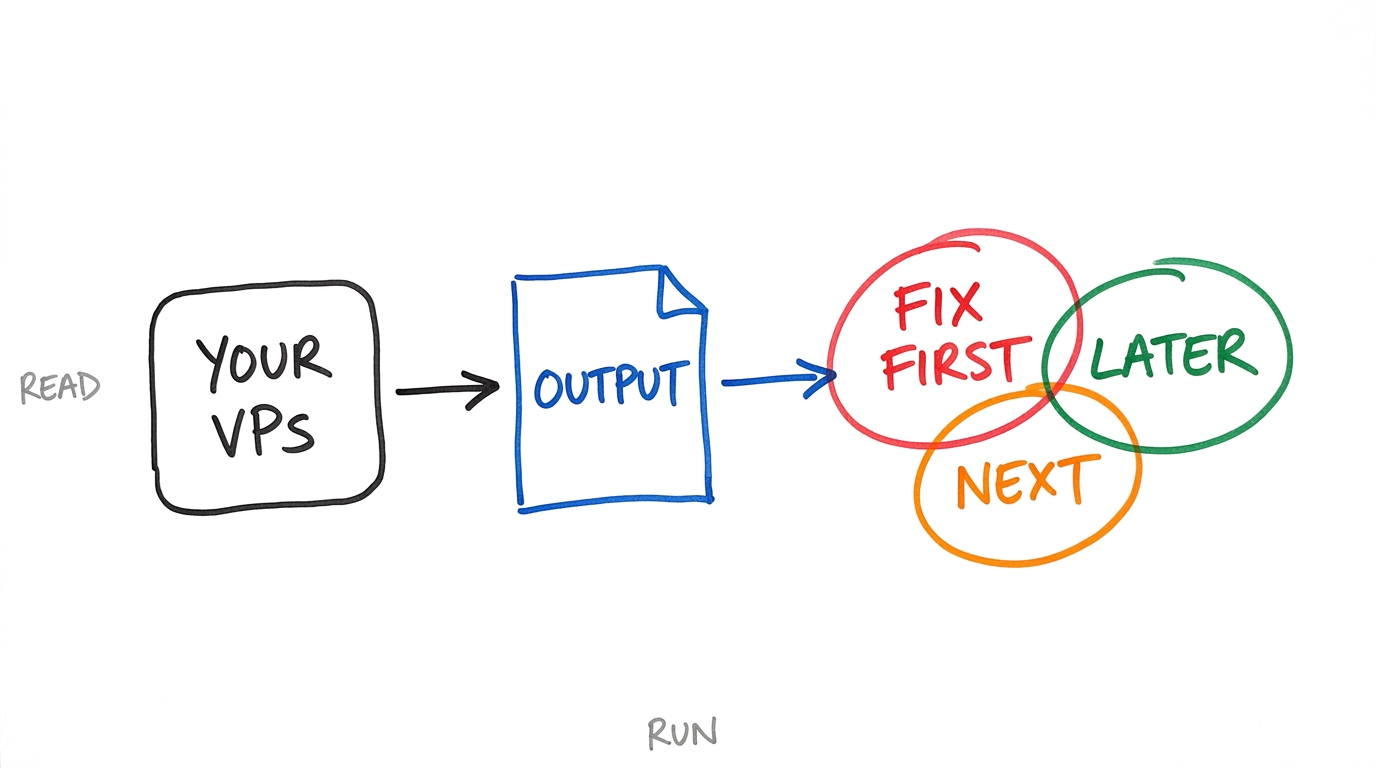
One script. Read it first.
- Read-only
- Open source
- Free Checkup
Invented output, shown only to illustrate the shape of a Free Checkup.
What your VPS printed
- sshPasswordAuthentication yes
- sshPermitRootLogin no
- net5432/tcp listening on 0.0.0.0
- disk/ is 61% used
- updatesunattended-upgrades not installed
Findings, most urgent first
- High
SSH accepts password logins.
Confirm your key login works in a second terminal first. Then:
sudo sed -i 's/^#\?PasswordAuthentication.*/PasswordAuthentication no/' /etc/ssh/sshd_config && sudo systemctl reload ssh - Medium
Postgres listens on every address, port 5432.
Set listen_addresses = 'localhost' in postgresql.conf. Then:
sudo systemctl restart postgresql - Low
Automatic updates are not installed.
On Debian or Ubuntu:
sudo apt install unattended-upgrades
Who Leader
is for
A solo developer or indie founder, often the only technical person in the company. You run a SaaS, a side project or client sites on one to three Linux VPS. You are comfortable with a terminal and SSH, and you are not a sysadmin.
What you run
on your server
One read-only, open-source script. You can read it before you run it. Every finding comes from what your own server printed, so nothing is guessed.
How it
works
- Read the script. It is short, read-only and open source. Open it and see what it does before it touches anything.
- Run it on your VPS. It prints what your server really says about itself.
- Paste the output. You get a summary of findings by severity, with the exact commands to fix the first ones.
What it
costs
Free Checkup
Paste the script output, get a summary of findings by severity.